Submit a standard request (fastest route)
For requesters who use Slack. Submit a standard request and check its receipt and progress.
Submit from Slack
Section titled “Submit from Slack”- Run
/actagatein Slack. “Request catalog” opens. - Select a catalog and press “Continue”. “Request form” opens.
- Complete the required fields and press “Submit request”. You receive a receipt DM with the request ID and approval route.
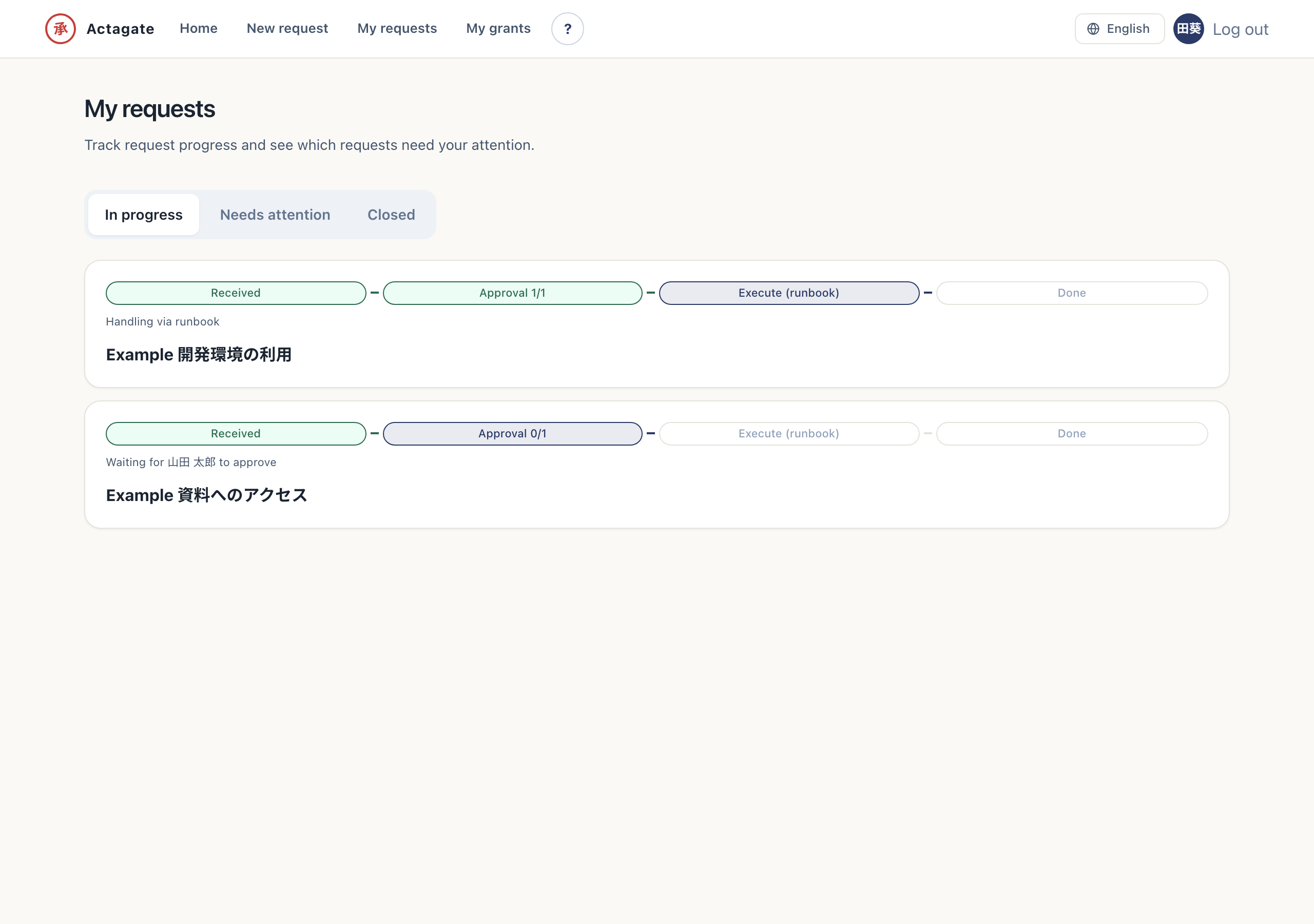
- Check DM notifications or progress and details. You can see the current approval and execution status.
You can also start on the Web from a “Frequently used requests” tile on Home or from the “New request” screen.
The approver’s DM card shows the requester, changes, cost, expiry, and “✅ Approve”, “❌ Reject”, and “↩️ Return”.