Read an approval card
This page is for approvers reviewing content in Slack or on the Web. Read the changes that will run after approval and identify the plan you are deciding on.
Check changes and conditions
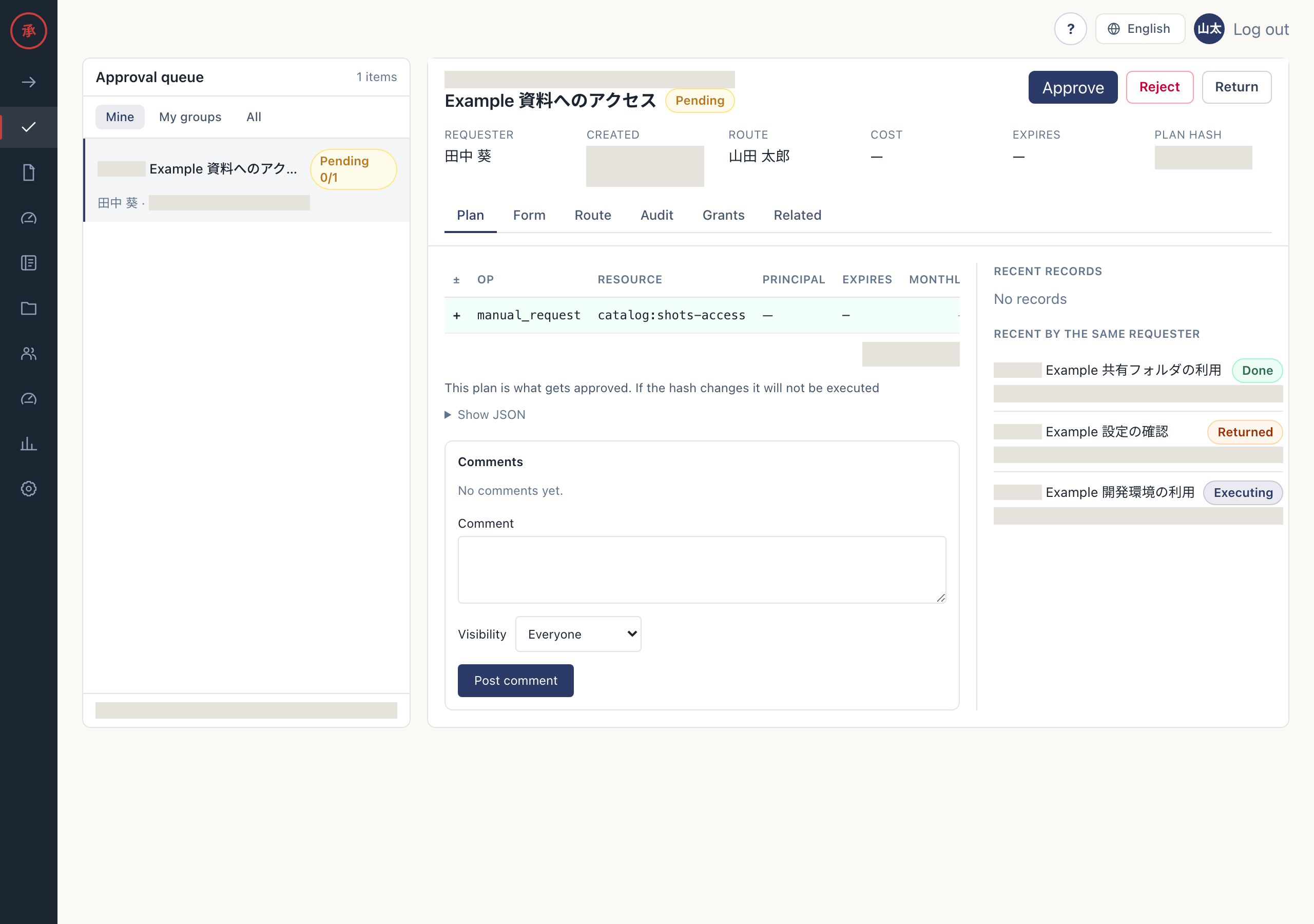
Section titled “Check changes and conditions”A Slack DM card shows changes in the execution plan, rather than the request form itself. On the Web, open “Plan” in the approval queue.
- Read the changes and their targets. For example,
create_usercreates a user. You can identify what will happen and to whom. - Check the cost impact. Plans with a configured cost show changes such as a monthly increase.
- Check expiry. The Slack card shows a configured expiry; the Web record shows “Expires”. Some plans have no expiry. On the Web, open “Show JSON” to check the plan’s
executor.manualmeans a task for a person. - Check “Route” on the Web. You can identify your step and the approvals that follow. The Slack card has no dedicated field for the full route or execution method; open the Web record when you need these details.
[Screen: approval card]
The Slack approval card shows changes and any configured cost and expiry, plus the plan hash.
Check the plan hash
Section titled “Check the plan hash”You approve a saved execution plan. Its plan hash identifies the content and is recorded when you approve. Execution also checks the approved hash, so a different plan cannot replace it and run under that approval.
Changing form text does not always change the hash. Changes to the plan content covered by hashing produce a different value. Review resubmitted requests even when the hash is unchanged.
See Approve on the Web for handling an old card.