Capture chat approval with a stamp
For people who want to record approval given in chat. Capture the conversation with a stamp and create a request if needed.
Capture chat approval with a stamp
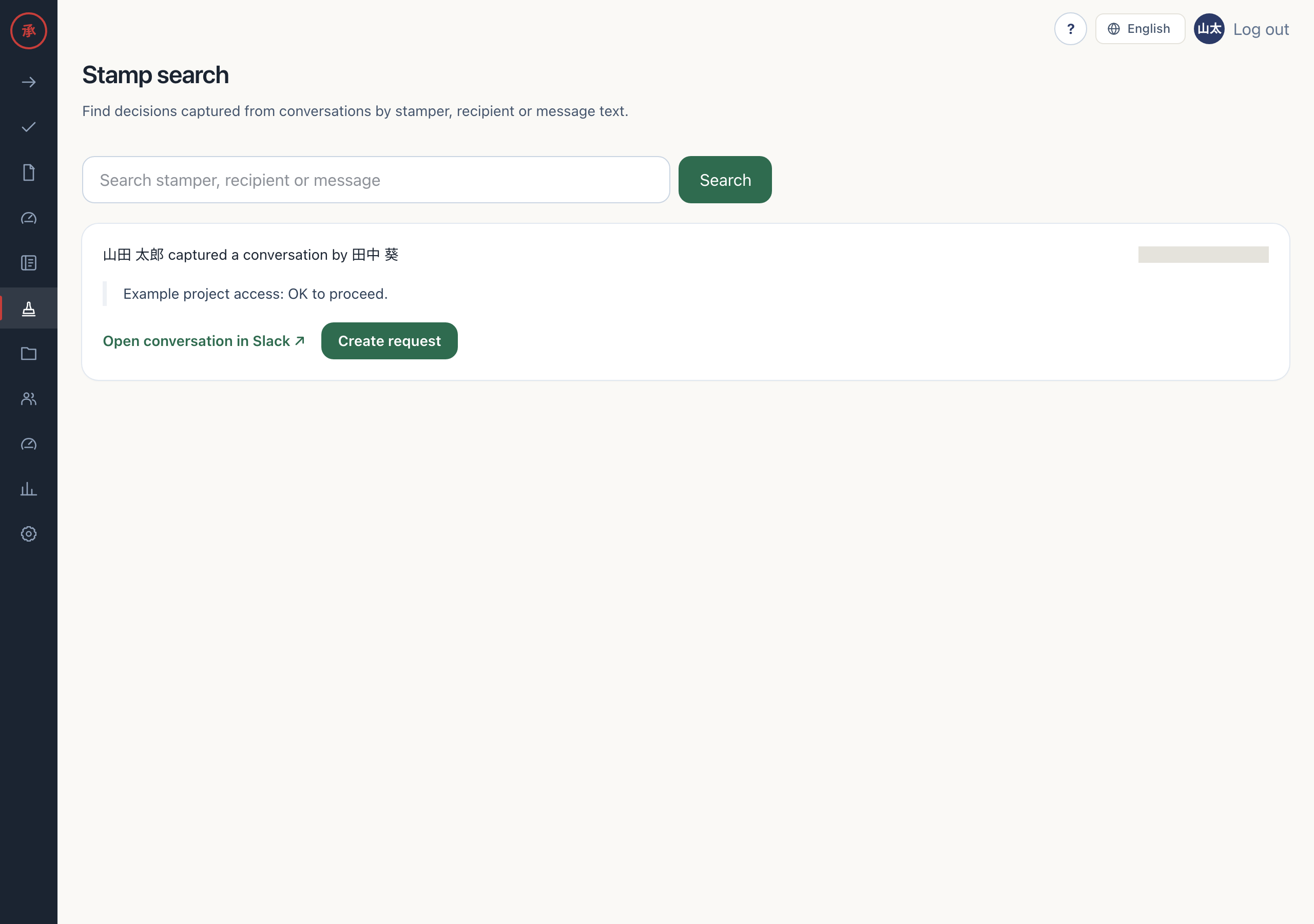
Section titled “Capture chat approval with a stamp”When a manager or reviewer says “OK” in chat, simply add the :actagate: reaction to that message. The ledger records who approved what and when. If a formal request later becomes necessary, open “Stamp search” on the Web and promote the record into a request.
Record a stamp and create a request
Section titled “Record a stamp and create a request”- Invite the Actagate Bot to the channel. The Bot can receive reactions in channels it has joined.
- Add
:actagate:to the approval message. The ledger records the conversation, stamper, author, and time. - If you can access the workspace, open “Stamp search” (
/ws/stamps) and press “Create request” for the record. Catalog selection opens. - Choose a catalog, press “Continue to form”, complete the form, and press “Create request”. A request enters the standard approval flow.