Using the request screen (propose → review → submit)
For requesters who use the Web. Choose a suggestion, review the execution plan, and submit your request.
Using the request screen (propose → review → submit)
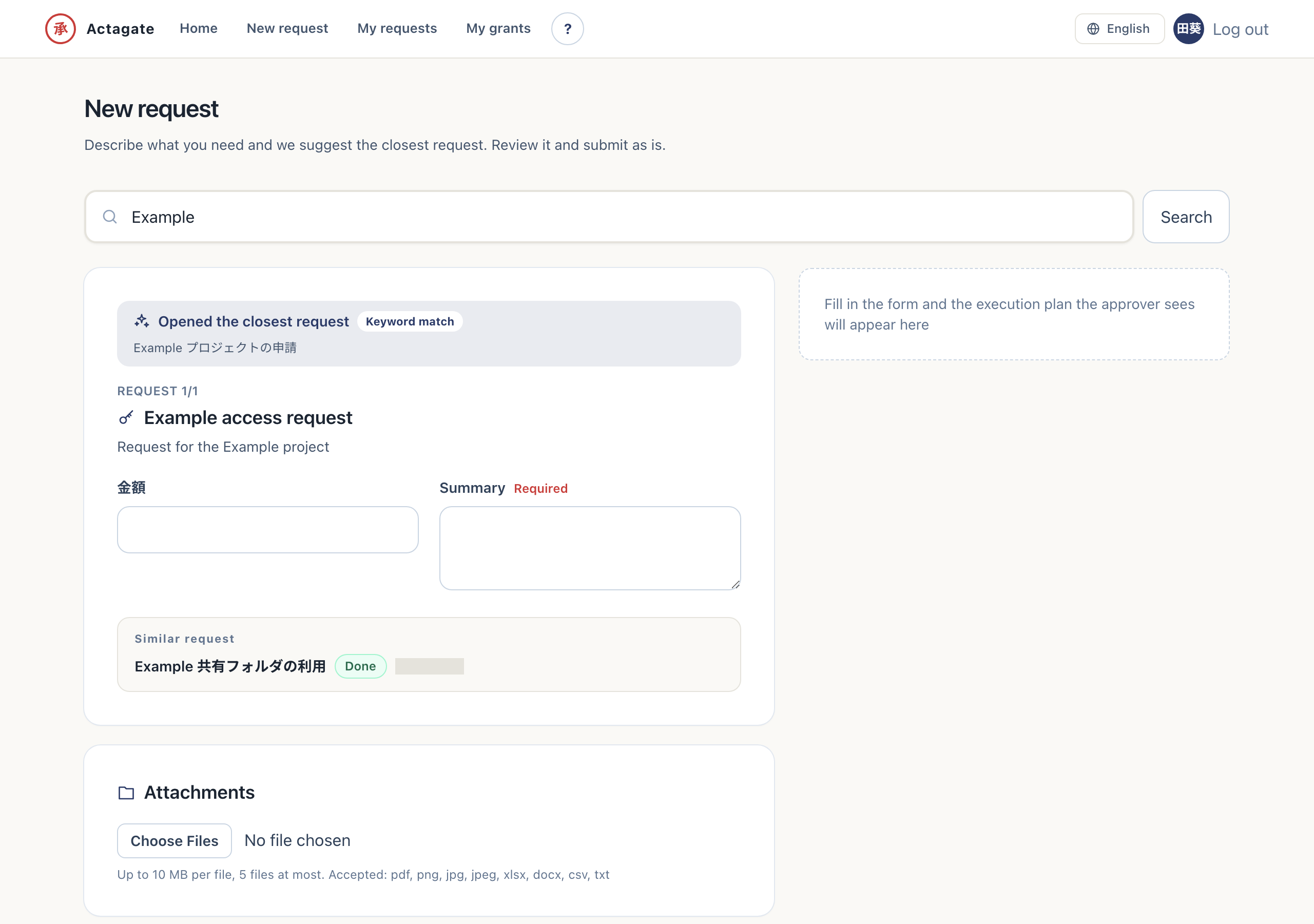
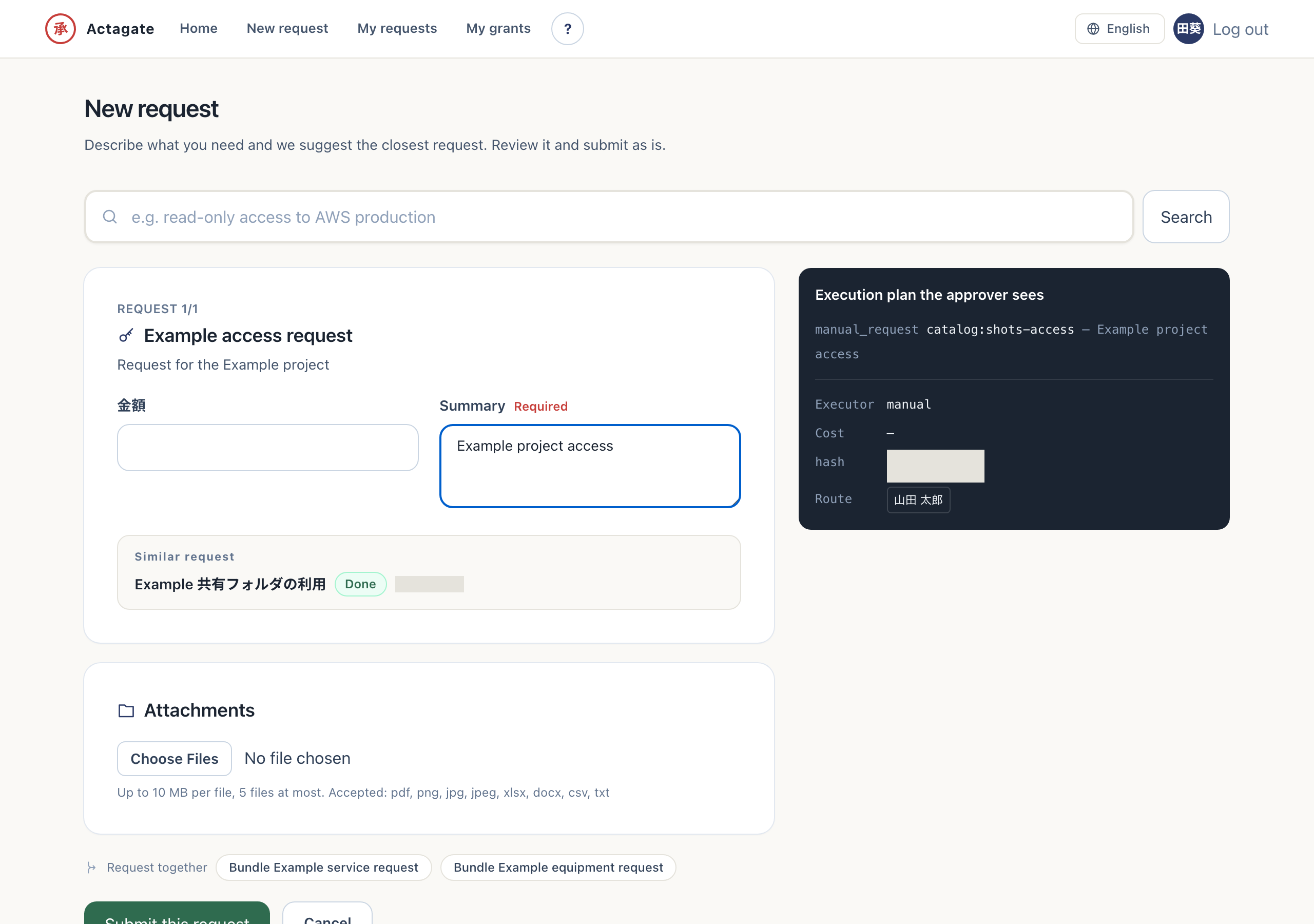
Section titled “Using the request screen (propose → review → submit)”“New request” /requests/new has three steps.
- Propose: Describe what you want in the search box at the top and the closest catalog item is proposed with its form opened. You can also pick a catalog item directly; its form appears.
- Review: As you fill in the form, the execution plan that approvers will see (changes, cost, approval route, and plan hash) updates on the right in real time, so you can confirm exactly what will run.
- Submit: Select “Submit this request” to create the request and send approval cards to the approvers.