Approve, reject, or return
This page is for approvers deciding on a request. Choose approval, rejection, or return and communicate the outcome and reason.
Choose a decision
Section titled “Choose a decision”- Approve when the content is acceptable. Your step is recorded; the route advances when all required approvals at that level are complete. Execution follows completion of every required level.
- Reject when the request is unacceptable in principle and should end. The requester receives the reason, which is also retained in the “Route” record.
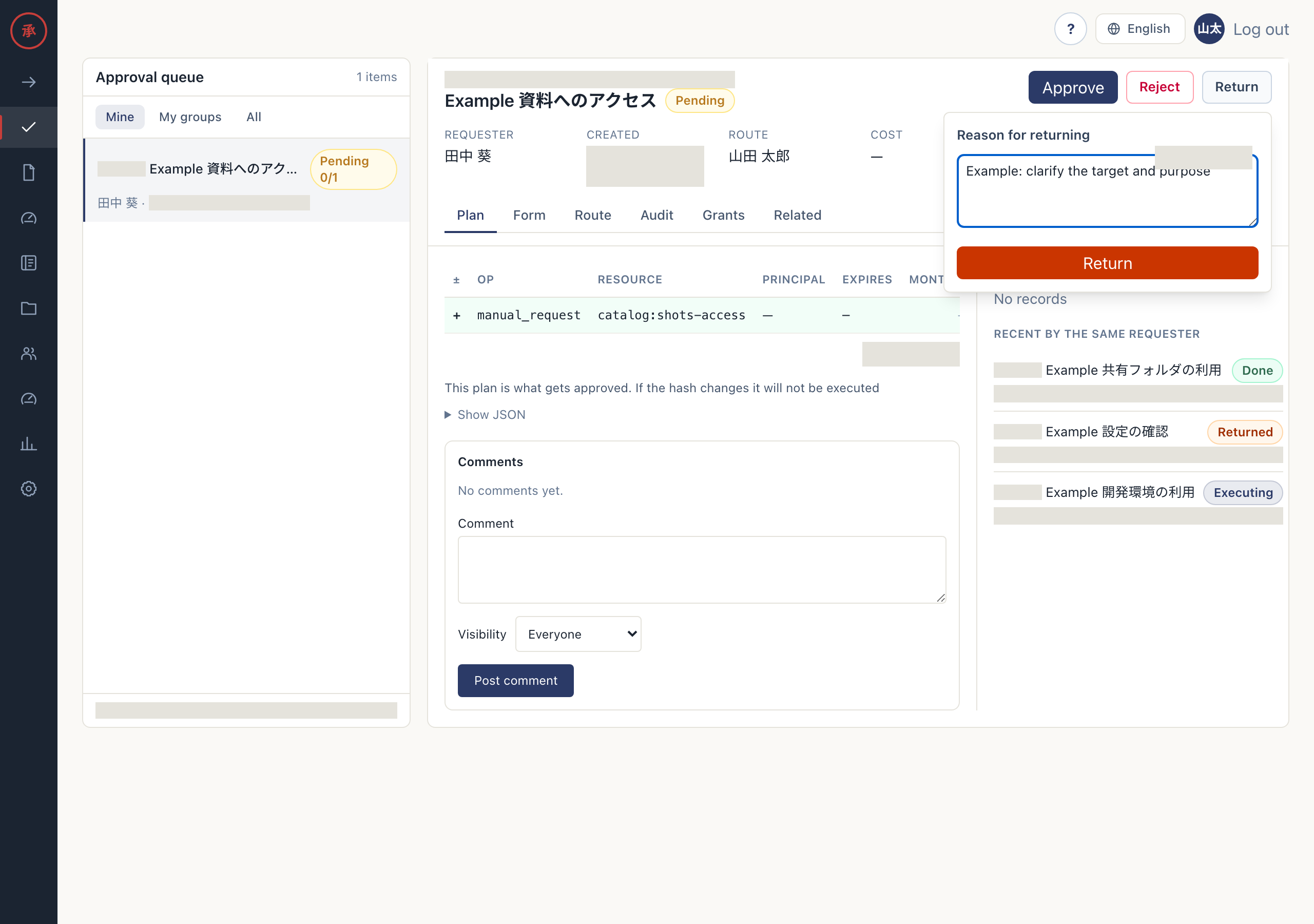
- Return when missing information or conditions can be corrected. Explain what to change. The requester resubmits a new request using the previous values.
Choose return when a correction could make the request acceptable. Review the resubmitted content again.
Take action
Section titled “Take action”- Review the changes on the approval card. You can identify the plan under review.
- In Slack, select “✅ Approve”, “❌ Reject”, or “↩️ Return”. In the Web action bar (ActionBar), select “Approve”, “Reject”, or “Return”. Approval takes effect directly; rejection and return open a reason form.
- Submit the reason form. Web rejection and return, and Slack return, require a reason of up to 1,000 characters. Slack rejection accepts an optional reason; include the basis for your decision. The requester receives the outcome and reason.
When other approvers are involved
Section titled “When other approvers are involved”Parallel individual steps require every required person’s approval. An approval group is any-of: one member can decide. If another member decides first, check the outcome without repeating the action. The Web may show “Another member has already handled this step”.
One rejection ends the whole request. One return moves the whole request to Returned and ends the remaining cards. A target added by escalation forms an alternative to the original approver; either one’s approval moves the step forward.
Do not act on your own request
Section titled “Do not act on your own request”Requesters cannot approve, reject, or return their own requests, even as an individual approver, group member, or delegate. The server refuses the action even if the action bar is visible. Ask an administrator to check the route.