Set delegation while away
This page is for approvers assigning work during an absence. Set a delegate and effective period, then check who made each decision.
Set the delegate and period
Section titled “Set the delegate and period”- Open “Approval delegation” at
/ws/settings. The delegation form appears. - Choose “Delegate”, “Starts”, and “Ends”, and optionally enter “Reason (optional)”. The end must be after the start. When the page opens, the start defaults to the current time and the end to seven days later. Changing “Starts” in the form does not automatically change “Ends”. Check both before saving.
- Select “Set delegation”. You can assign another enabled member of the same organization.
- To cancel, select “Revoke” in the list. That delegation becomes inactive. Only the delegating approver or someone with member management permission can revoke it.
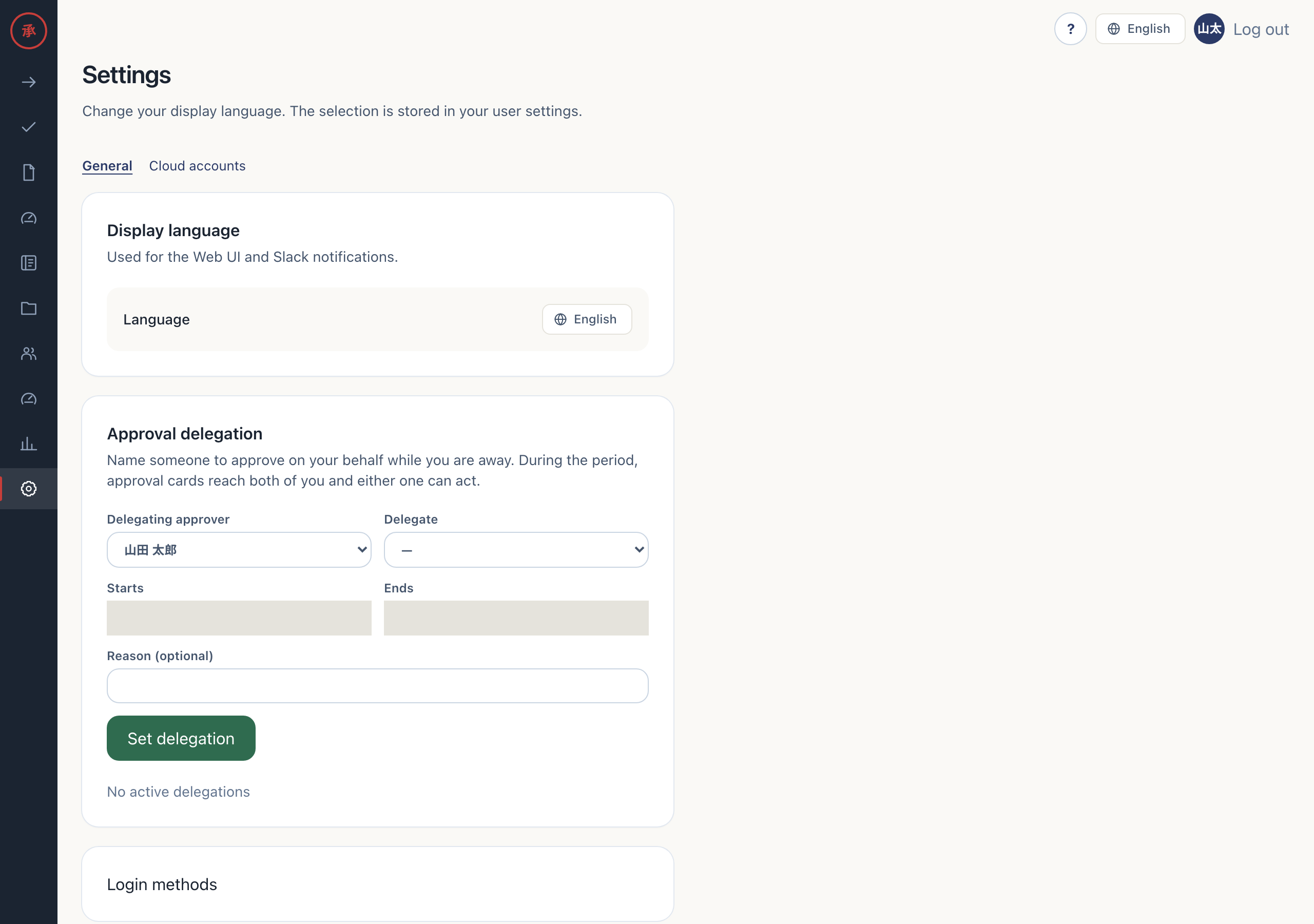
You normally delegate your own approvals. Owners, admins, and member admins with member management permission can select “Delegating approver” to set delegation for someone else.
Act during the effective period
Section titled “Act during the effective period”Delegation includes the start time and excludes the end time. Revoked settings are inactive. Overlapping periods are allowed. Delegation applies to individual approval steps, not approval groups.
When approval cards are delivered, an active delegate receives a card alongside the original approver. Setting delegation does not itself resend previously delivered cards. Delegates with workspace access can open the target under “All” on the Web or at /ws/requests. “Mine” does not include delegated steps. Delegation alone does not grant workspace access. If you cannot open it, use the Slack card or ask an administrator.
Either the original approver or the delegate can process the step. A delegate cannot act on their own request, or when the original approver or delegate is disabled.
Check the decision record
Section titled “Check the decision record”- Check “Route” and “Audit” in the record. You can identify the delegate who decided and the original approver.
- Check the delegation record.
acted_by_user_idstores the delegate anddelegated_from_user_idstores the original approver. Approval, rejection, and return audits also retain the original approver.